 Metadata Remover
What the browser tool removes, and what it keeps
The checker reads the file with JavaScript inside this tab. There is no server on the other end, so there is nothing that could keep a copy of the photo, its name, or what was found in it. When you choose Remove private metadata, the tool rewrites the file container and drops the blocks that carry personal information. The compressed image data is copied byte for byte, so the clean copy is never re-encoded and never loses quality.
| Format | Removed | Kept |
|---|---|---|
| JPEG | EXIF (APP1), XMP (APP1), IPTC and Photoshop data (APP13), comment segments (COM) | JFIF header, ICC colour profile, the image data |
| PNG | eXIf, tEXt, zTXt, iTXt and tIME chunks | IHDR, iCCP, sRGB, gAMA, the image data |
| WebP | EXIF and XMP chunks | ICC profile, VP8/VP8L image data, alpha channel |
Phone photos are often stored sideways with a flag that tells viewers how to rotate them. If that flag is set, the tool writes back a minimal EXIF block that contains only the orientation value, so the clean copy still displays the right way up. That single number is the one piece of metadata that survives on purpose.
What a phone photo usually carries
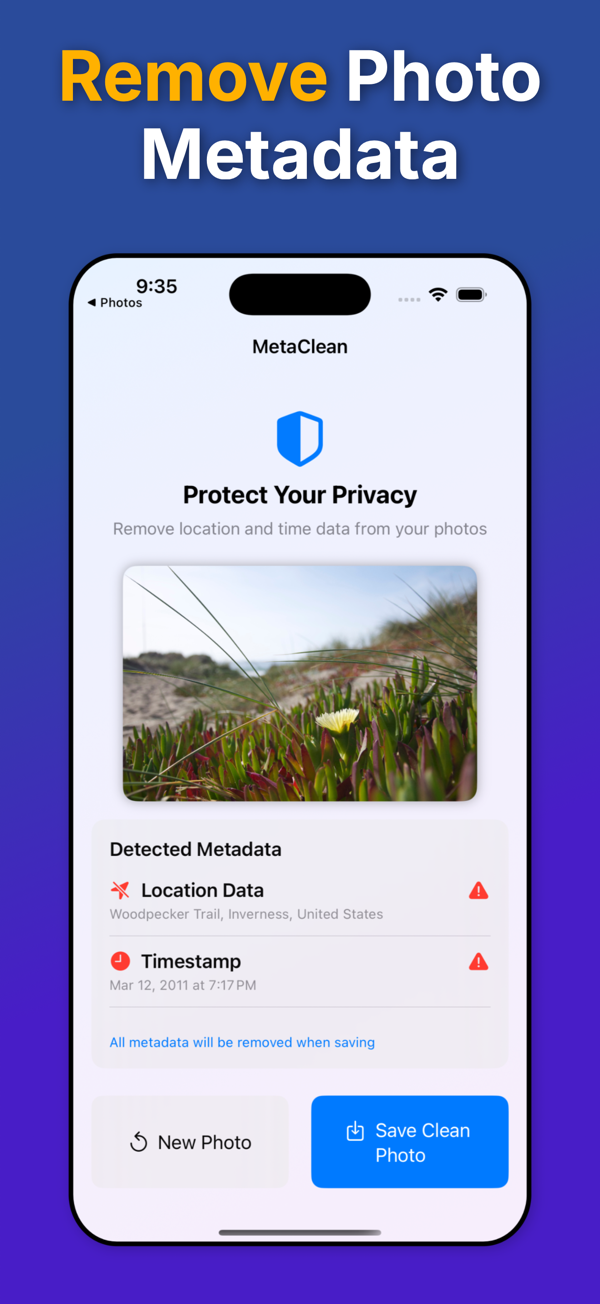
The categories below are the ones the checker reports. A photo taken with a phone camera and location enabled typically contains all six.
- Location: GPS latitude, longitude and altitude, sometimes heading and speed, from the EXIF GPS block. Accurate to a few metres.
- Date & time: when the shutter fired (
DateTimeOriginal), when the file was digitised, and when it was last edited, each to the second and often with a time-zone offset. - Camera & device: make and model (for example Apple iPhone 15 Pro), the lens, and on many dedicated cameras a body serial number that ties every photo to one unit.
- Software: the operating system or app version that last wrote the file.
- Author & description: artist, copyright and description fields, plus IPTC caption and creator fields written by editing software.
- Metadata blocks: XMP packets with edit history and ratings (sometimes a second copy of the location), embedded preview thumbnails, and the remaining EXIF fields such as exposure, ISO and focal length.
For a field-by-field explanation, read what EXIF data is and what it reveals.
When it is worth cleaning a photo first
- Selling something online. A product photo taken in your living room carries the coordinates of your living room. Marketplace listings are the most common way a home address leaks through a picture.
- Sending photos to someone you do not know. Email attachments, AirDrop, iMessage, Slack, and files sent through Telegram or WhatsApp as documents arrive with everything intact.
- Posting on forums, blogs and profile pages. Many large platforms remove metadata for viewers, but not all do, and the copy in your sent folder or drafts is still the original. Which apps strip photo metadata lists what each one keeps.
- Family and school photos in group chats. Group members you barely know receive the same file the close friends do.
- Documentation for rentals, insurance or work, where the exact time or place is the sensitive part.
What removing metadata does not do
- A date, address or watermark printed on the pixels stays. So do faces, street signs, number plates, reflections and anything else visible in the frame. The timestamp guide covers the difference.
- Reverse image search works on the pixels, not the metadata, so a clean copy can still be matched to an original that is already online.
- If you already sent the original, cleaning your copy does not clean theirs.
- Platforms that strip metadata for viewers generally keep your original on their servers under their own retention rules.
- The Created and Modified dates shown by Finder or File Explorer belong to the file system, not the file. They change whenever the file is copied and are not part of what a recipient receives inside the image.
Browser tool or the app?
| Browser tool | iPhone and Android app | |
|---|---|---|
| Files | One JPEG, PNG or WebP up to 50 MB | Photos from your library, including HEIC, or a new shot from the camera |
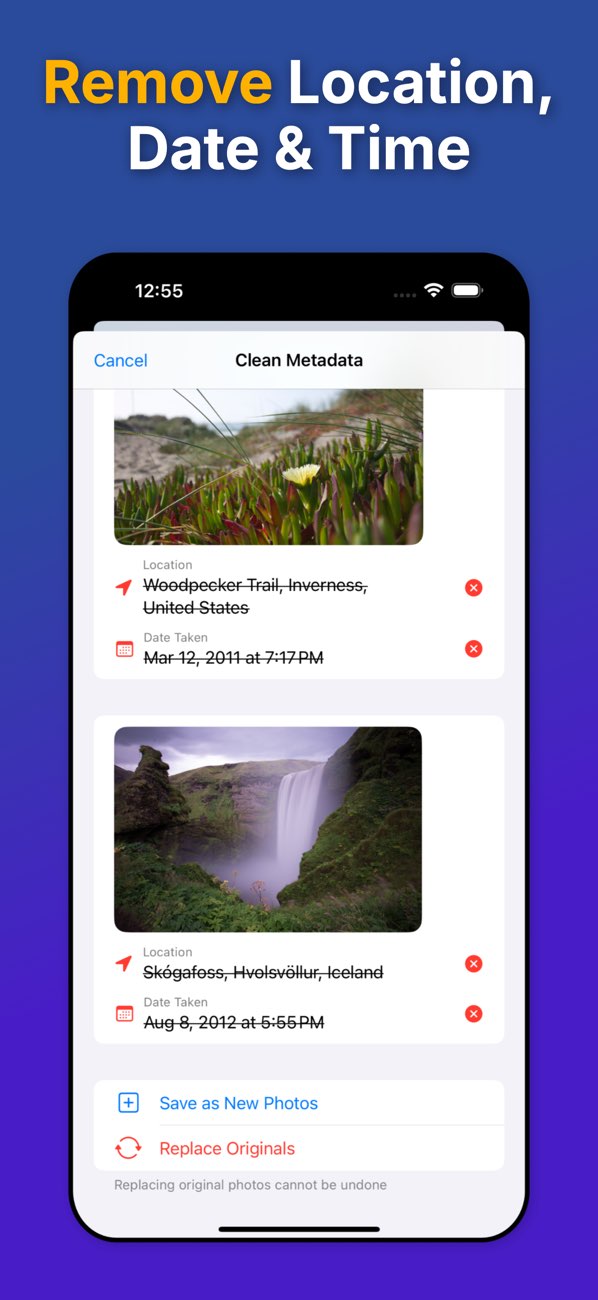
| Several photos at once | No | Yes, with Pro, with a preview before anything is saved |
| Where it runs | In this tab, nothing uploaded | On the device, nothing uploaded |
| Location shown on a map | No, only that coordinates exist | Yes |
| Clean from other apps | No | Yes, through the system share sheet |
| Keep or replace the original | Always a new download | New copy by default; replace the original with Pro |
| Price | Free | Free exports, then a one-time Pro purchase. No subscription. |